
Your Archicad model holds every answer. LYNQr (pronounced “Linker”) pulls it into a live dashboard, lets you talk to it out loud, shape it, and sync it straight back into your project.The beauty used to be in the drawings. Now it's in the data.
Stage 01
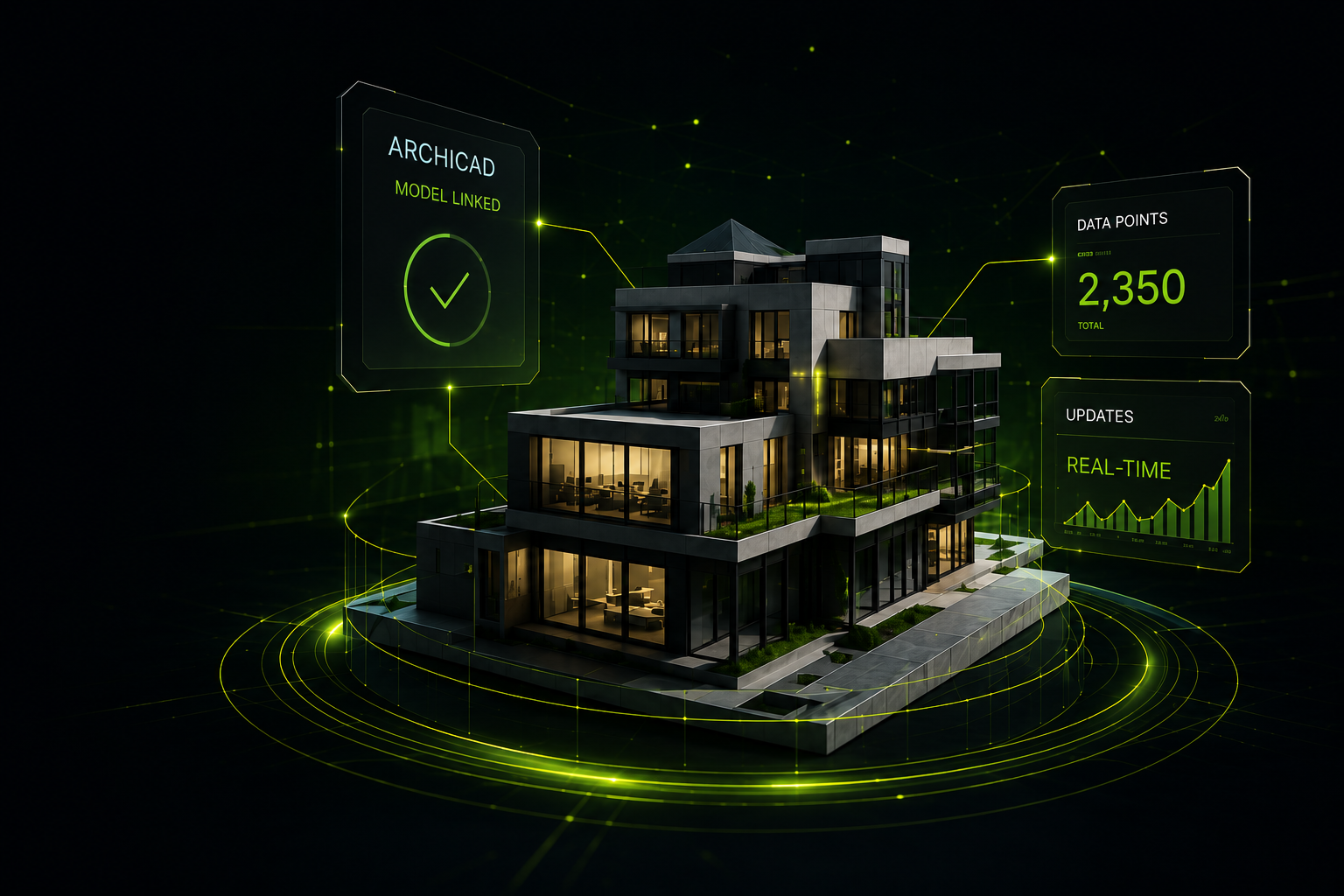
Link the Design.
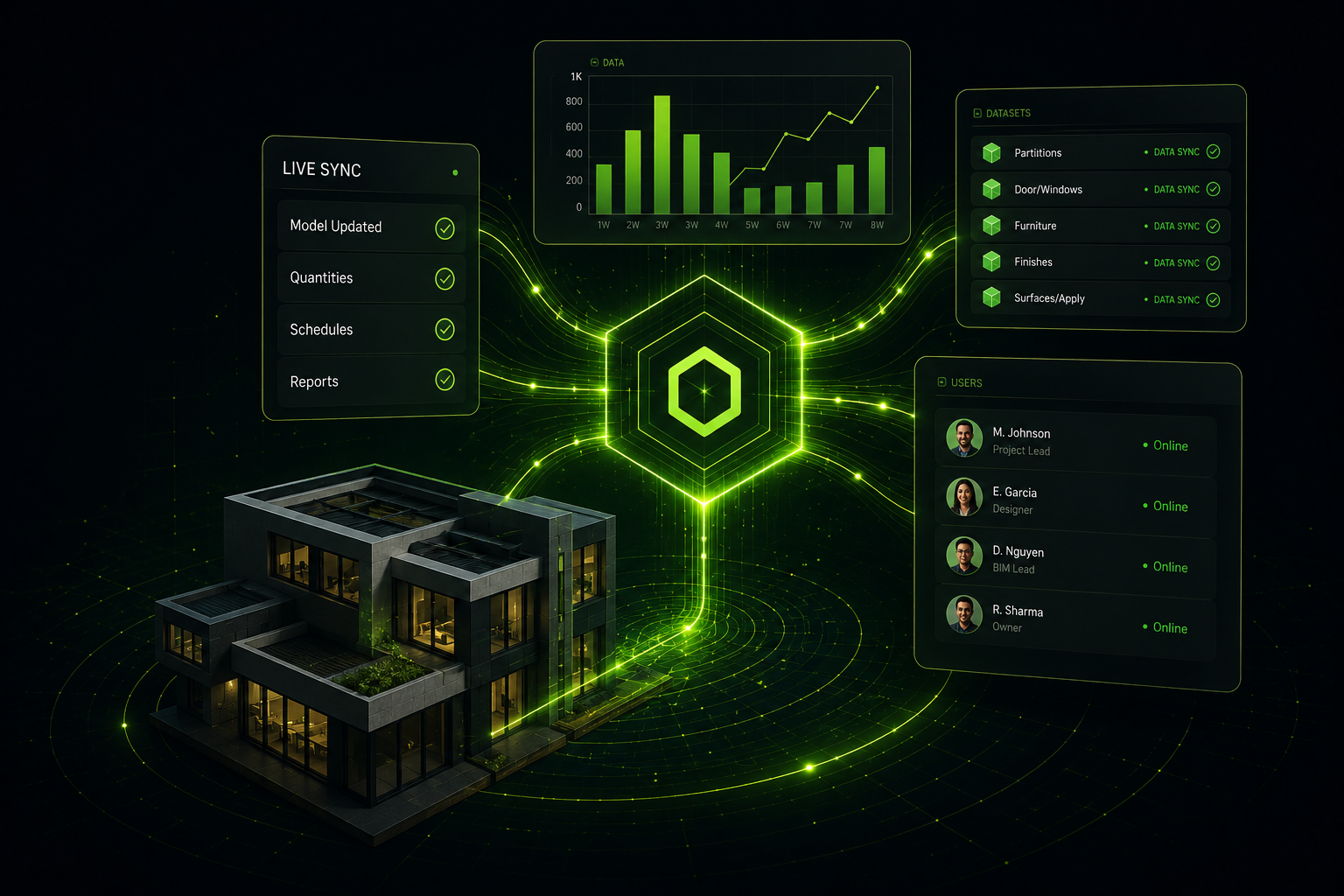
Every BIM project holds the answers your team needs - but they live inside a model only the designer can open. LYNQr is the link: the one connection that makes those answers visible, conversational, and editable for your whole team, without ever leaving the source of truth.
Stage 02
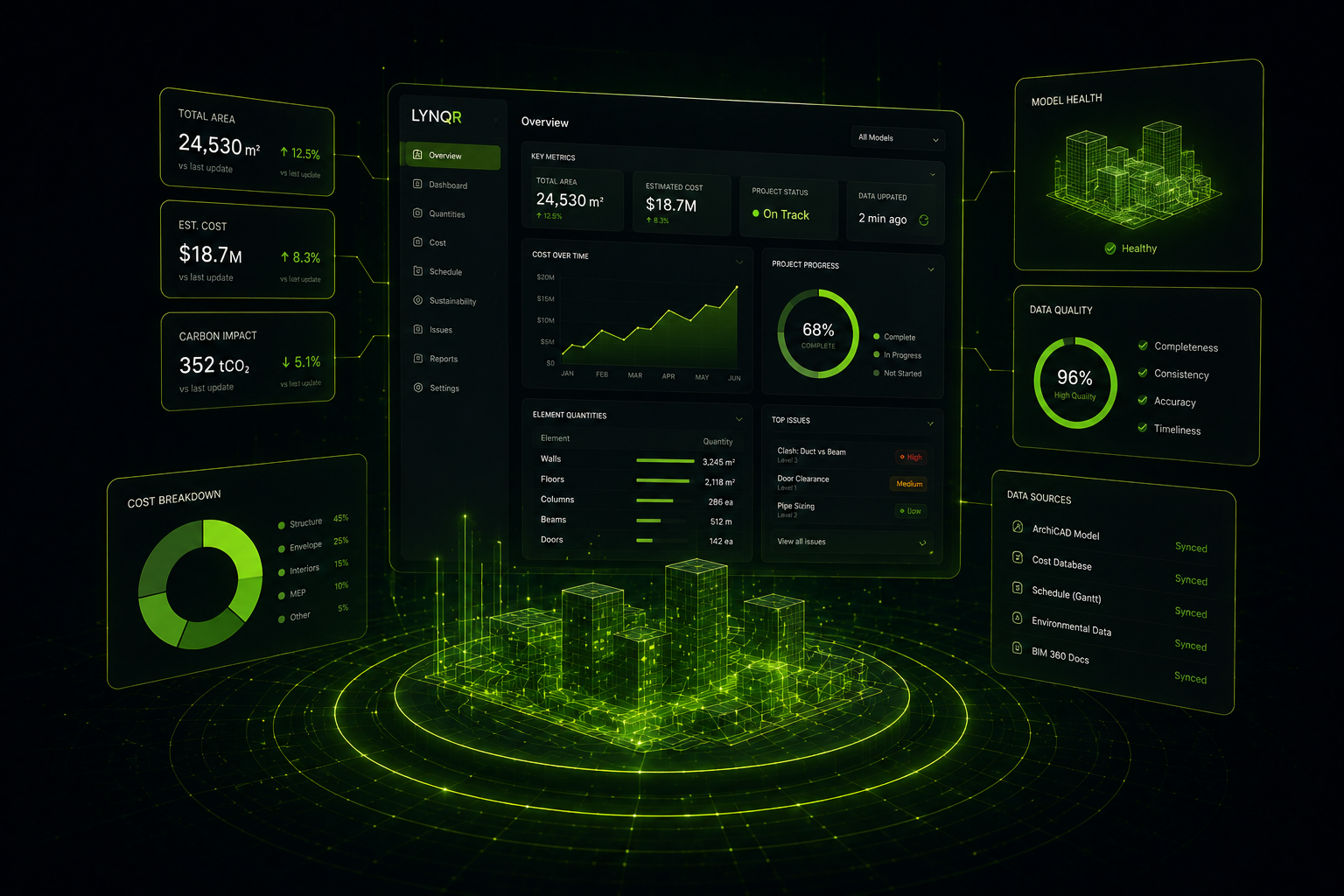
See the Data.
LYNQr Pulse connects directly to your current Archicad model and acts as a 'data layer', pulling your element types, quantities, sizes, and locations into a real-time dashboard, ready for quick or linked data entry. No exports, no Excel, no Power Queries, no Power BI. Your model is the source. LYNQr just makes it visible.
Stage 03
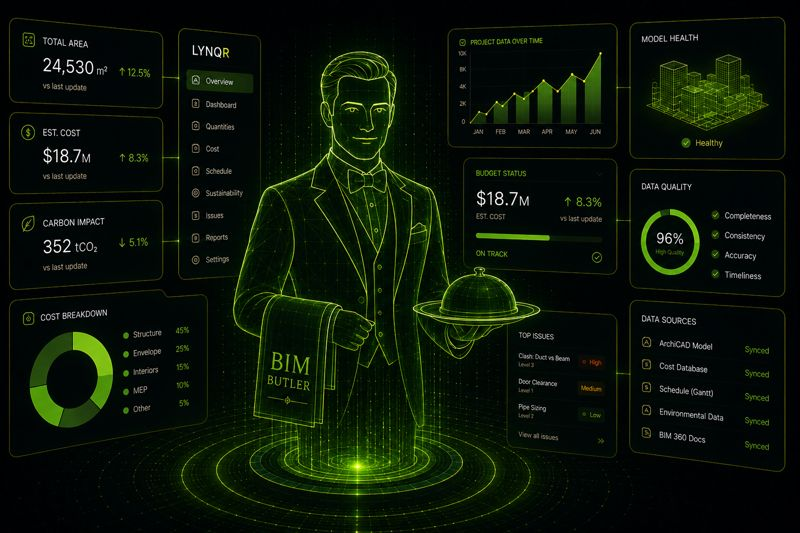
Talk to the Data.
Meet BIM Butler™ - your ever-present concierge for building intelligence. Ask BIM Butler™ a question, and he answers from your current model data - costs, quantities, schedules, lead times, gaps. He'll even edit them for you - via text or voice. He knows every dimension of your project and serves it all on a silver platter.
Confident Discreet Ready to serve.
Stage 04
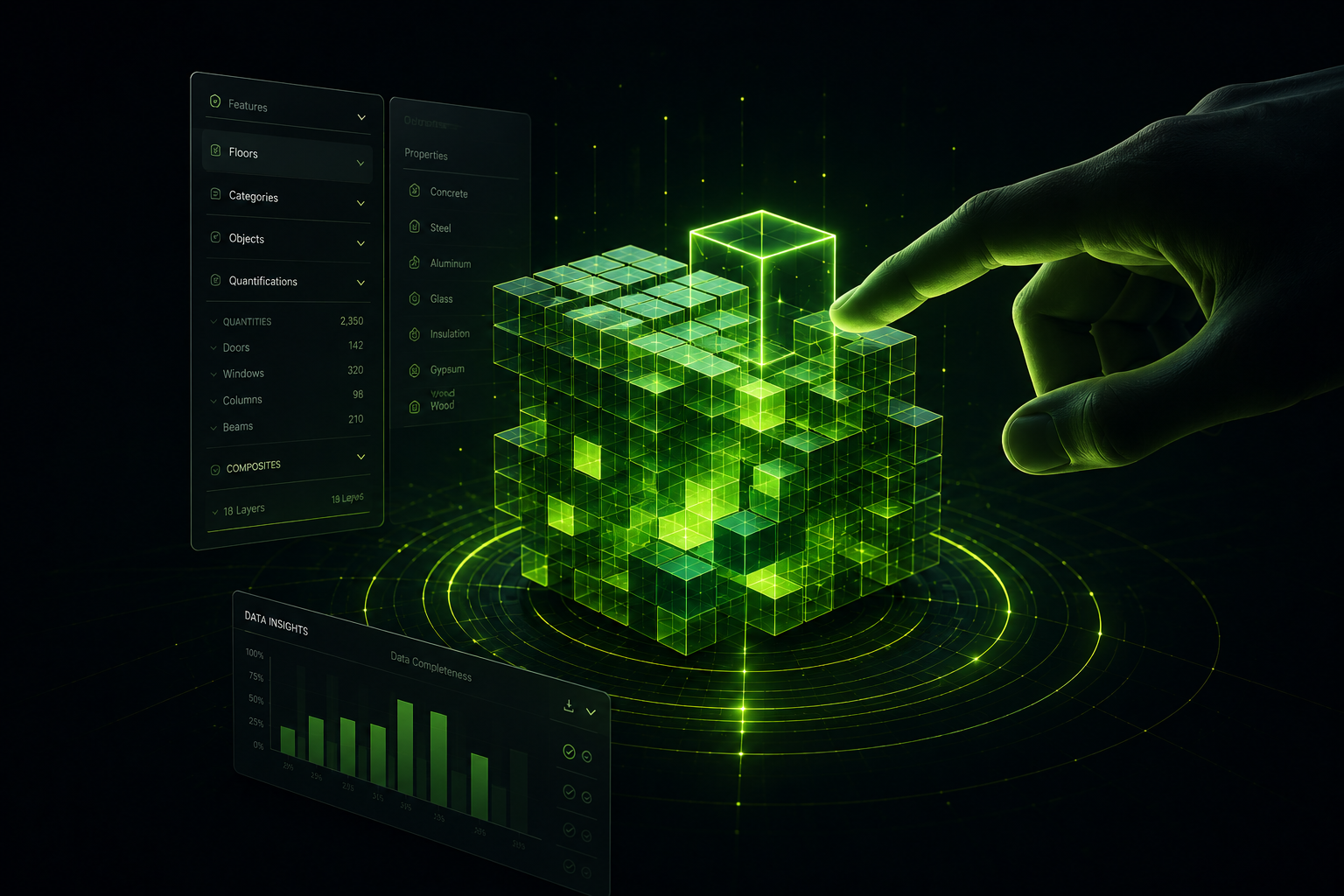
Shape the Data.
Make decisions directly inside the dashboard with BIM Butler™. Update quantities, swap specs, adjust selections, add notes - all without touching Archicad. Filter by room or category to focus on exactly what you need. Every change is tracked and ready to go back into your model when you say so.
Stage 05
Sync the Data.
When decisions are made, push them straight back into Archicad. LYNQr never replaces your BIM - it feeds it. Your model stays the single source of truth for elements, LYNQr acts as your data layer. Your schedules stay current, and your BIMx stays updated with each new publish. The entire loop closes, and the next sync starts fresh.
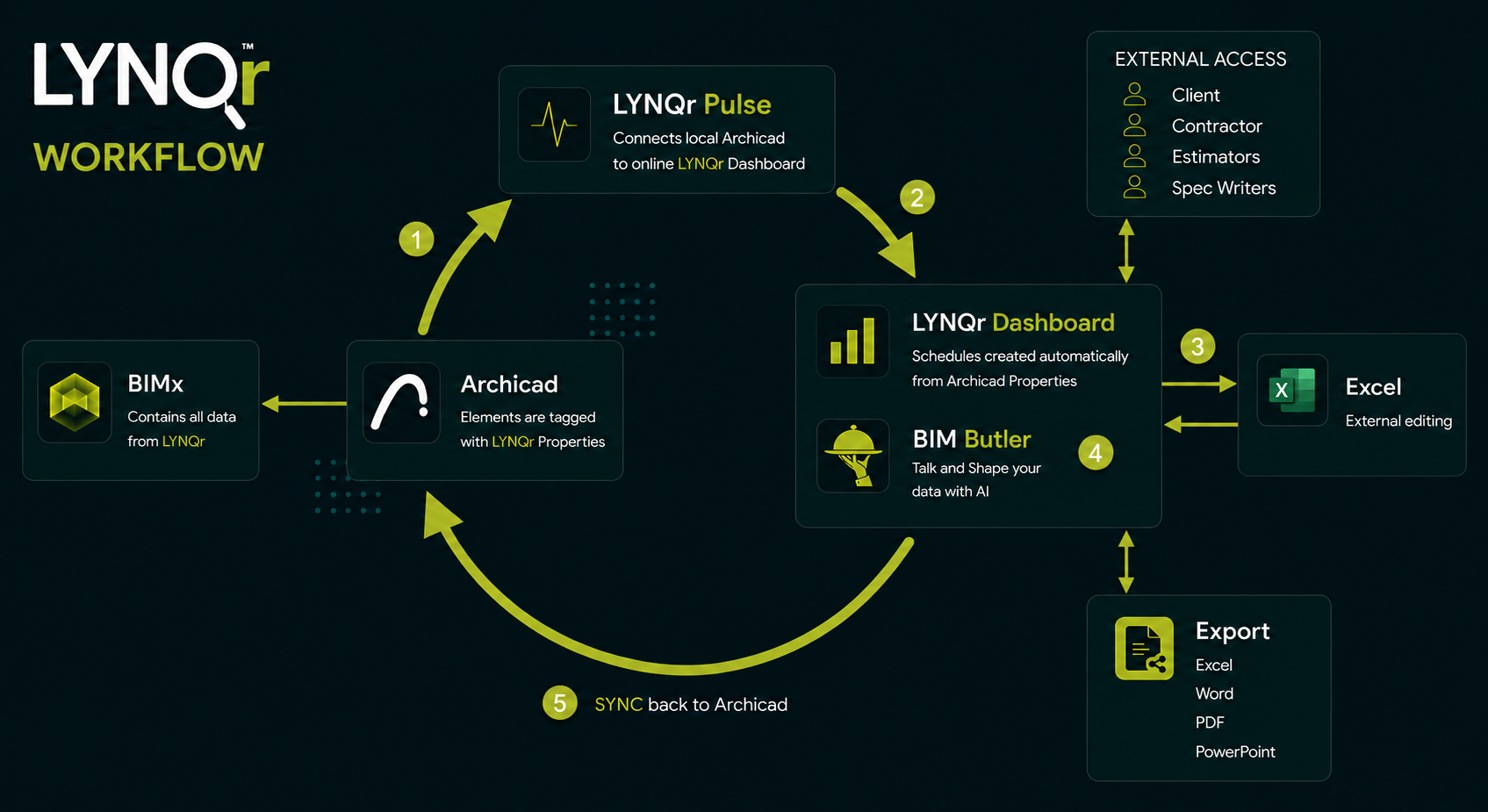
The full loop
Link it. See it. Talk to it. Shape it. Sync it.
Link the Design
Connect Archicad to LYNQr. Your model becomes the source of truth for the whole team.
See the Data
LYNQr Pulse reads your live Archicad model. Your full project populates the dashboard instantly.
Talk to the Data
Ask BIM Butler™ anything out loud. Get real answers from your own model, in real time.
Shape the Data
Edit specs, update quantities, make decisions - all inside the dashboard without touching Archicad.
Sync the Data
Push every decision back into Archicad. BIM stays primary. The loop closes.
Link the Design.
See. Talk. Shape. Sync.
LYNQr connects your Archicad model to a live, conversational dashboard. Built for architectural and interior design firms.